Planet maemo: category "feed:83c45a7c9a27a197cbcc653605c1fa5c"

2008-07-31 01:26 UTC
0
0


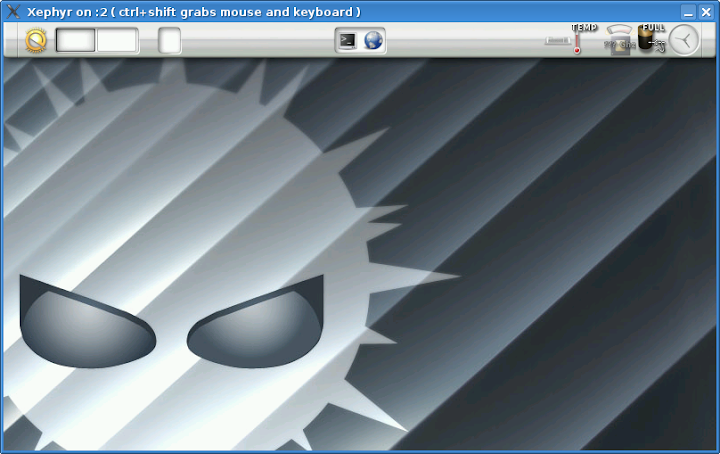
We (Mamona Team) updated the Mamona SDK tutorial including Xephyr. Now you’re able to execute Enlightenment from your Mamona rootfs using qemu-arm and Xephyr like Maemo.

Developers interested in Mamona, please report what do you want from Mamona !

Your opinion is important to improve our environment!

2008-07-28 23:34 UTC
0
0

We’re proud to announce that Firefox 3 is working with Mamona. :) Thanks to all Mamona team, especially Eduardo Valentin.
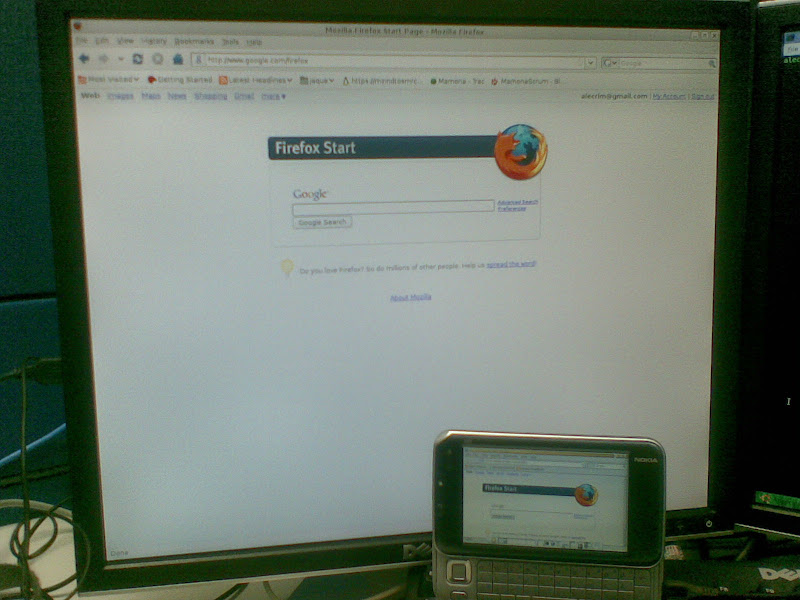
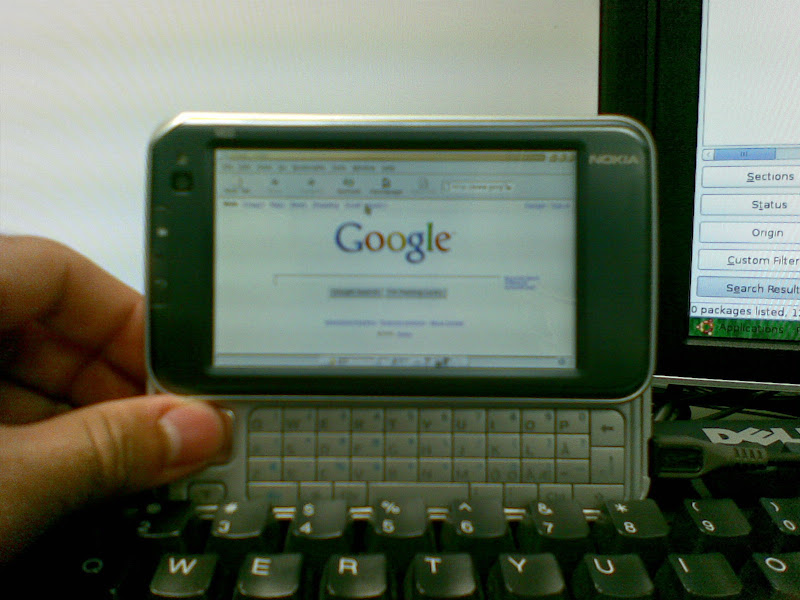
Instruction:

Follow Mamona development tutorial replacing  ” bitbake <meta-package>” for “bitbake task-mamona-sdk && bitbake task-mamona-wm && bitbake firefox”.

And you will have Firefox 3 available in your Mamona repository.

More pictures …

2008-07-28 22:58 UTC
0
0

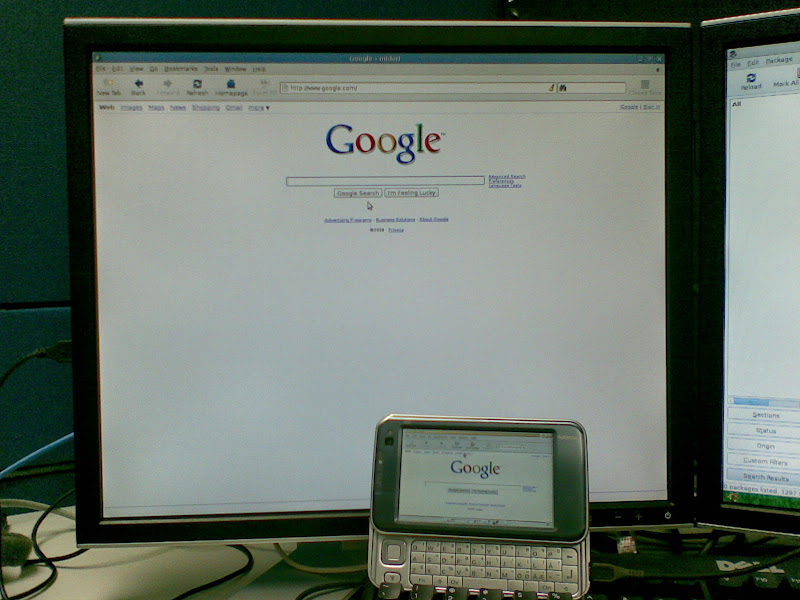
Since Friday(July 25th) we’re able to build Midori Browser based on Webkit with Mamona tools. We tested this browser with Nokia N810 and BeagleBoard.

Main steps to Build Midori:

Follow the Mamona development  till Building Mamona.

Replace  ” bitbake <meta-package>” for “bitbake task-mamona-sdk && bitbake task-mamona-wm && bitbake midori” at setion Building Mamona.

And Midori will be available in your Mamona repository.

That’s all!!

More pictures … 

2008-06-23 17:10 UTC
0
0

I have a N810 and 3 OS in the same device.

Now you will ask me : How?

The answer is below:

1 - Move your Maemo to the MMC internal

* Advantage : you will have more space.

Steps:  http://maemo.org/community/wiki/HowTo_EASILY_Boot_From_MMC_card/

Now you have the Maemo in the internal MMC.

2 -  Flash Mamona in your flash memory

* Advantage: Nowadays Mamona distro is good for developers. ;)

Steps:  http://dev.openbossa.org/trac/mamona/wiki/Releases/0.1/RunningMamona

3 - Debian XFCE in external MMC

* Advantage:  Debian rocks !! :P

You should partition your MicroSD in 2 parts:

- partition 1 - 100MB - fat32

- partition 2 - ALL THE REST - ext2

Download the Debian rootfs

wget  http://debian.i2c3.com/debian-armel-n800-xfce-beta3.tar.bz2

Untar the Debian rootfs in the second partition:

tar -xvjf  debian-armel-n800-xfce-beta3.tar.bz2

Boot using your external MMC.

That’s all!!

sponsored by Nokia Corporation